Mileage Pay & Auto Calculation Feature
Written By Christopher Scott
Last updated Over 1 year ago
Welcome to the guide on the Mileage Pay Calculation feature in Attik! This feature is designed to help you automatically calculate the reimbursement for mileage submitted by employees. Here's how it works and what you need to know to make the most of it.
What is Mileage Pay Calculation?
The Mileage Pay Calculation feature is a tool that helps you determine the total reimbursement amount for employees who submit mileage for work-related travel. It takes into account the total miles submitted and the rate of pay per mile to provide an accurate reimbursement amount.
How It Works
Mileage Submission: Employees submit their mileage through the app, detailing the number of miles traveled for work purposes.
Calculation Process:
The system collects all submitted mileage entries.
It calculates the total number of miles by summing up all individual entries.
The total mileage is then multiplied by the pre-set pay rate per mile to determine the reimbursement amount.
Rounding: The final reimbursement amount is rounded to two decimal places to ensure precision in financial transactions.
Setting Up Mileage Pay
To ensure accurate calculations, you need to set the pay rate per mile in your Payroll Settings. This rate is used in the calculation to determine the total reimbursement amount.
Read more about setting up payroll: Getting Started With Payroll
Using the Auto-Calculation Feature
While it’s common for employees to self-report miles, some companies prefer the number’s be accurate based on certain factors.
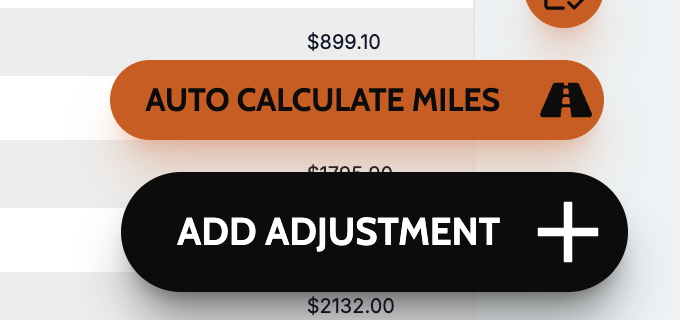
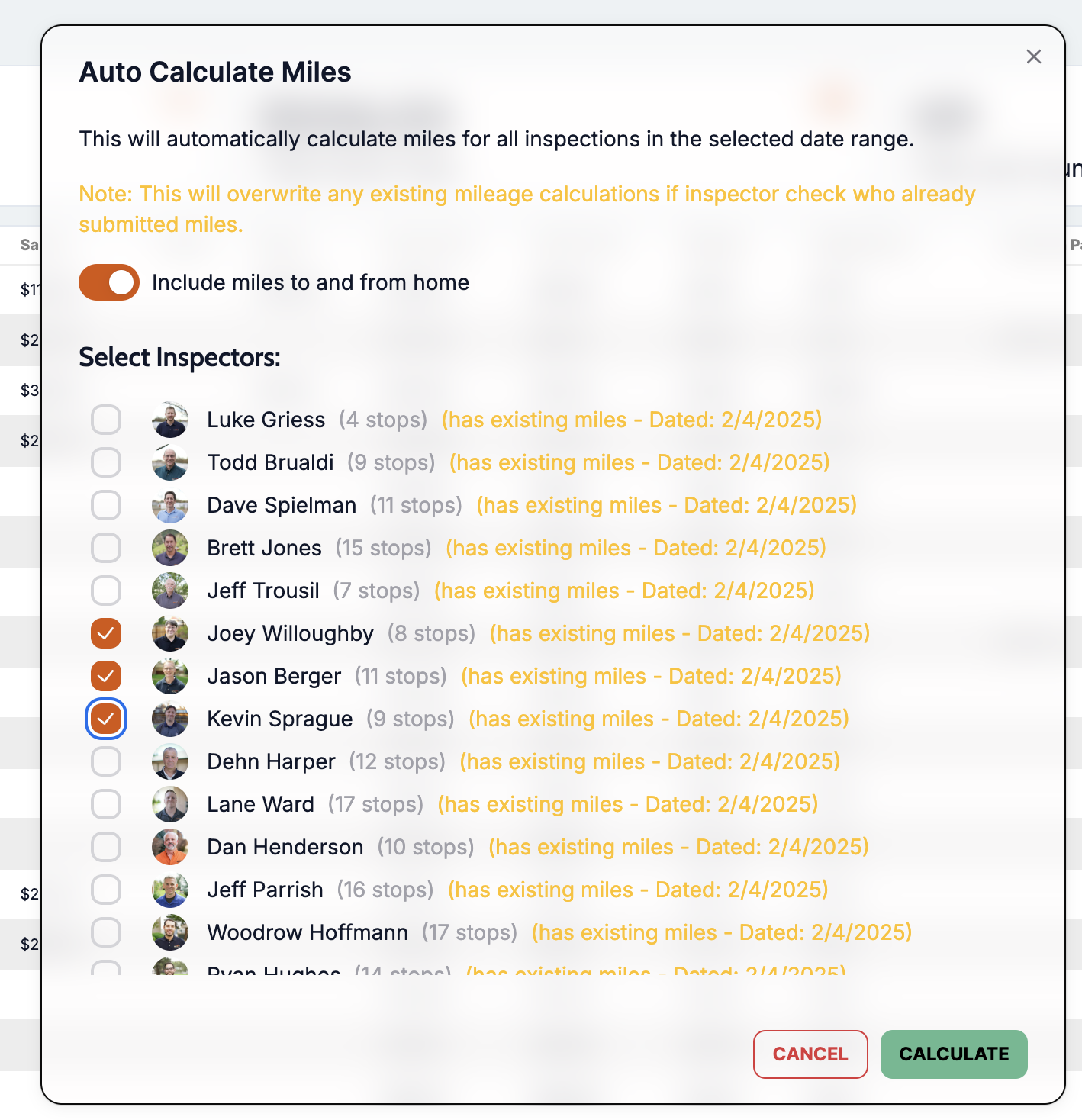
We built an auto-calculator to calculate the total miles an employee had driven based on their home address and their stops during the week.
Calculator can be run with mileage too and from their home or without.
Each employee can be selected to run in the calculation. Calculate miles for only employees that didn’t report or everyone.
Miles are calculated based on driving directions, not line of sight. This feature leverages 3rd party mapping and direction tools.
Transparency: Employees can trust that their mileage is being calculated fairly and accurately, and they can see what the calc came up with on their report.
Tips for Effective Use
Regular Updates: Ensure that the mileage pay rate is regularly reviewed and updated to reflect any changes in company policy or external factors.
Employee Training: Educate employees on how to submit their mileage correctly to ensure accurate calculations. Tip: Employees can log into Attik and report their miles on the HR page.
Review Submissions: Regularly review mileage and run the calc to compare.
By leveraging the Mileage Pay Calculation feature, you can streamline the reimbursement process, ensuring that employees are fairly compensated for their travel while maintaining accuracy and efficiency in your payroll operations.