Activity Feed (Job timeline and change history)
Written By Ryan Wagner
Last updated 6 months ago
What it is
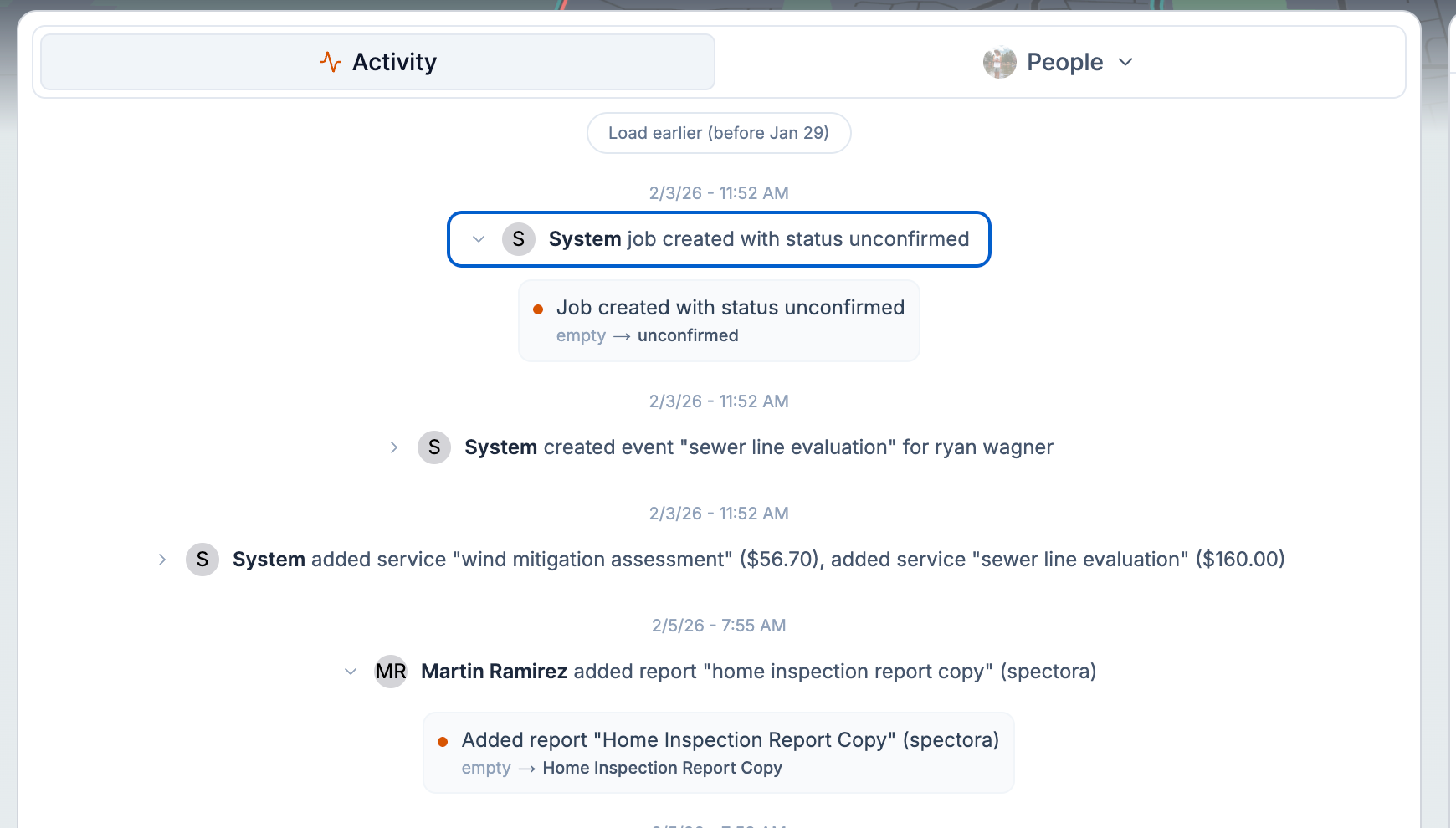
A timeline on each job that shows what changed, when, and by whom—including notes, field edits, assignments, and changes that came from Spectora or other integrations.
Where to find it
Open a job (inspection) and look for the activity or timeline section (often alongside notes and job details).
How to use it
Open the job and scroll to the activity feed.
Use the list to see who made which change and when.
Filter or scroll to focus on notes, field changes, or assignments as needed.

Tips
Use the activity feed to answer "who changed this?" or "what was updated after the last note?" without leaving the job.